
Install creweld
After installing Creweld, open this link again to see your company’s sign-in screen.
Android 0.1.0 (build 65)110.4 MB
iOS 0.1.0 (build 65). Install TestFlight on your phone, then tap the iPhone button to join the test. Sign in with the code sent to the email address on your account.
Installing the Android app
- Open the APK you downloaded.
- If Android asks, allow this source to install apps.
- Tap Install. When it finishes, open creweld.
Personnel photos and site maps load faster when you return to a screen. On Android, install the new APK over the current app. On iPhone, update through TestFlight.
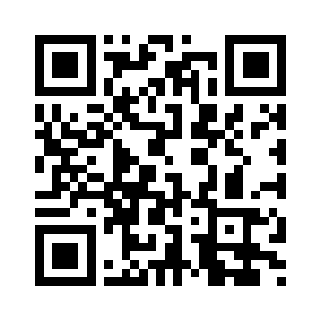
Open on your phone
Scan the code with your phone camera to open the installation page.