SITE ATTENDANCE
A tag reading
A supervisor’s phone picks up a worker’s Bluetooth tag. Open the record to see the worker, subcontractor and time.
Workers don’t need a phone.
Each worker carries a small Bluetooth tag. A supervisor’s phone or a fixed receiver picks up its signal. Open the attendance view to see the time alongside the worker’s name and subcontractor.
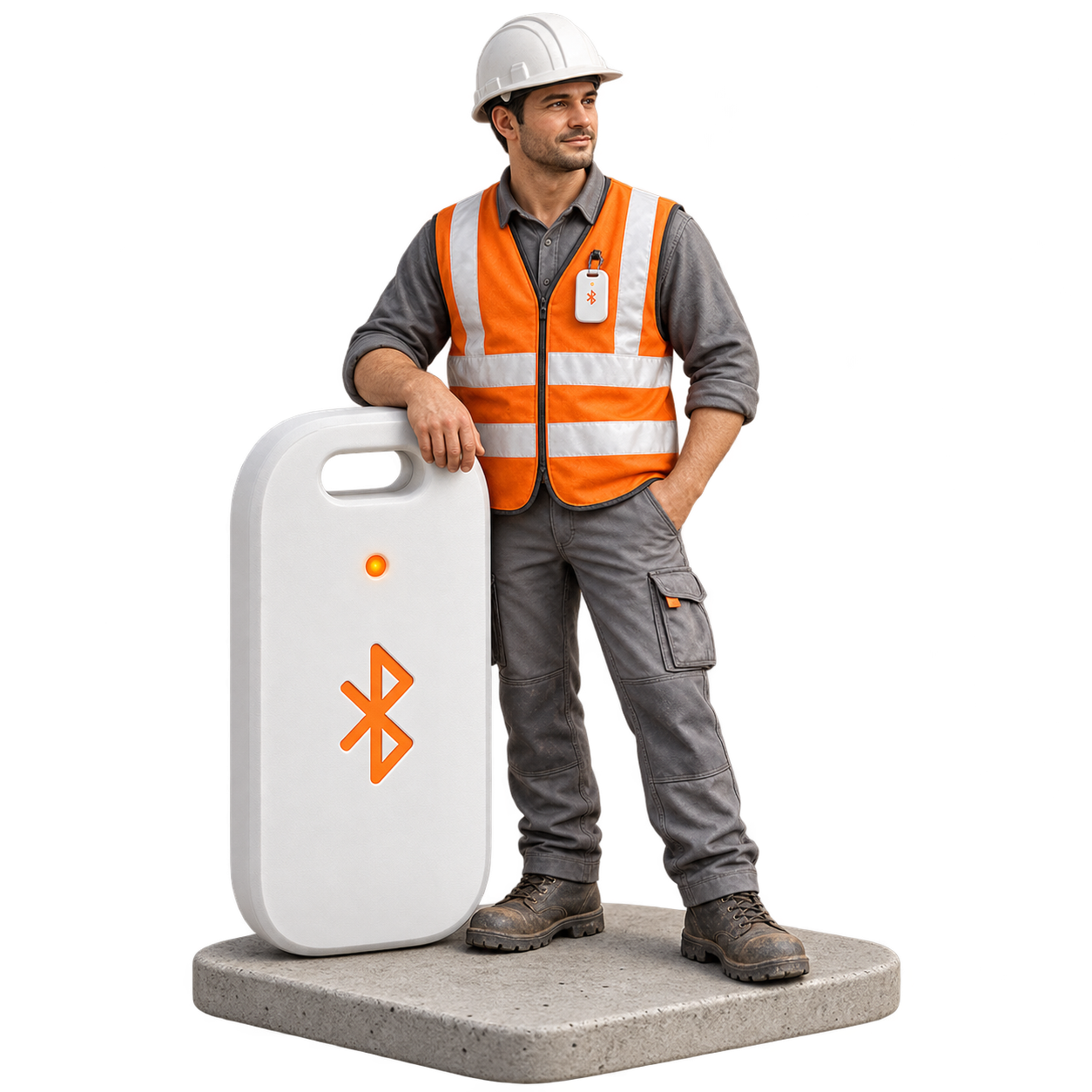
The worker doesn’t need to open an app. Creweld associates the receiver’s reading with the person assigned to that tag.
Register the tag with the worker’s name and subcontractor.
An authorised supervisor’s phone or a fixed receiver detects tags within range.
The record shows the time of the reading, the worker and the subcontractor.
A supervisor’s phone picks up a worker’s Bluetooth tag. Open the record to see the worker, subcontractor and time.
Workers don’t need a phone.A receiver can log a tag only when the signal reaches it. Each entry refers to that particular reading.
Choose a date and site to see whose tags were detected. Filter by subcontractor to review a particular crew.
See which subcontractor each worker and crew belongs to on site.
See whose tags had a reading each day, grouped by crew or subcontractor.
Each entry identifies the worker’s crew and subcontractor.
When a tag changes hands, earlier readings stay with the worker and subcontractor assigned at the time.
These screens show sample records. A tag reading gives a last-seen time. It cannot establish an exact location, continuous presence or approved working hours.
BLUETOOTH ON SITE
No. Each worker carries an assigned Bluetooth tag. A supervisor’s phone running Creweld can act as a receiver, or a fixed site receiver can pick up nearby tags.
It shows that a receiver picked up the worker’s tag at a particular time. The record identifies the site and receiver. It cannot pinpoint someone’s precise position or show where they went between readings.
You can use supervisors’ phones as receivers. Fixed receivers are another option. The site layout and how crews move between work areas help determine where reception is needed.
Yes. Choose a site and date range, then review readings by worker or subcontractor. A Bluetooth reading on its own cannot establish approved working hours or a completed attendance record.
We can use your crew size, subcontractors and receiver locations to walk through a typical day on your site.