What does a Bluetooth receiver record on site?
What goes into a BLE attendance setup, where to test reception and how to read a tag's last-seen time when the connection drops.
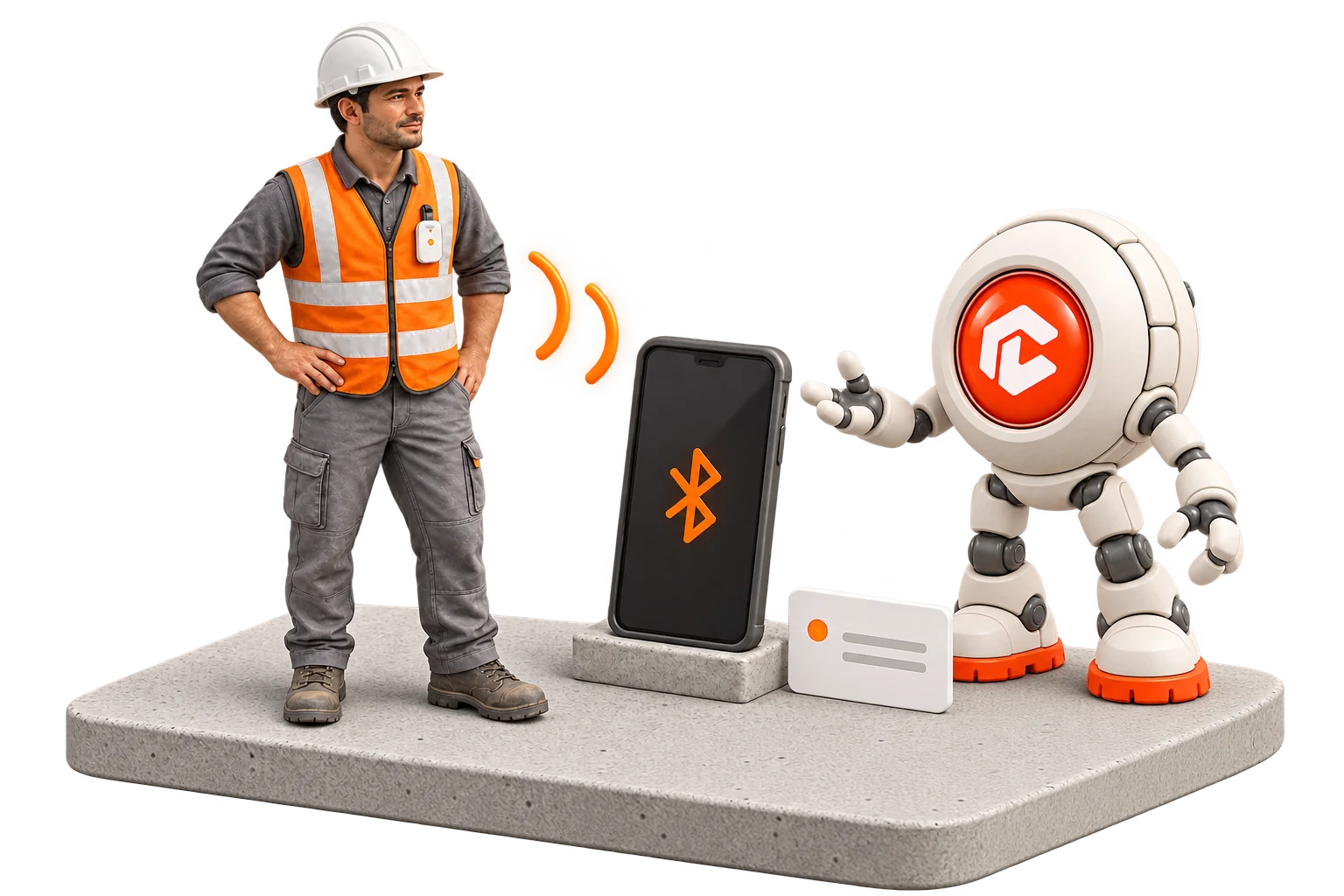
A worker carries a tag. A receiver picks up its signal, and the tag ID links the reading to that worker's record. How much that reading tells the site team depends on where the receiver was and who had the tag.
When planning a rollout, decide where receivers will go, keep a record of tag assignments and agree who investigates missing readings. The tag count alone won't tell you what to buy.
How does a BLE reading happen?
Bluetooth Low Energy (BLE) is a low-power wireless technology. A tag can broadcast short advertising signals. A scanning receiver detects the signal and the site system matches the tag ID to its assigned worker.
A supervisor's phone can be the receiver. Some setups use a fixed site receiver instead. A phone moves with its owner, so plan and test its coverage accordingly. Creweld's attendance example shows an authorised phone doing the scanning.
What to have in place
Check Bluetooth, permissions, power and data transfer at the receiver. A working tag is only useful in an attendance record if you know who was carrying it.
- A working BLE tag assigned to a worker
- An authorised, compatible receiver
- Dated records of tag issues and transfers
- Separate timestamps for detection and upload
- A supervisor responsible for checking receiver status and recent readings
Test coverage where the crew works
Transmitter power, receiver sensitivity and the surroundings all affect range. Fit the receiver, then take a tag to the work areas. Concrete walls, steel surfaces and changes of floor can affect what gets through.
A reading outdoors tells you little about a basement. Pick test points across the job and note where readings arrive, where they stop and what conditions change the result.
Reading a last-seen time
Suppose a tag appears at 10:15 and again at 10:25. You have two observations. You don't know where the worker spent the intervening ten minutes, and a break in readings alone doesn't establish that someone left the site.
A slow connection can delay upload. Read the detection time when reviewing events on site. A record that just arrived may describe something that happened earlier.
What happens when the phone is locked?
Apple documents differences between foreground and background Bluetooth scanning. Android also requires appropriate methods for background communication. Allow for gaps and changes in scan timing on a phone in everyday use.
Try it with the screen on, with the phone locked and while the supervisor uses other apps. See what the supervisor sees if Bluetooth or permission is switched off. The operating system guidance is a starting point for testing your particular setup.
Questions to settle during a trial
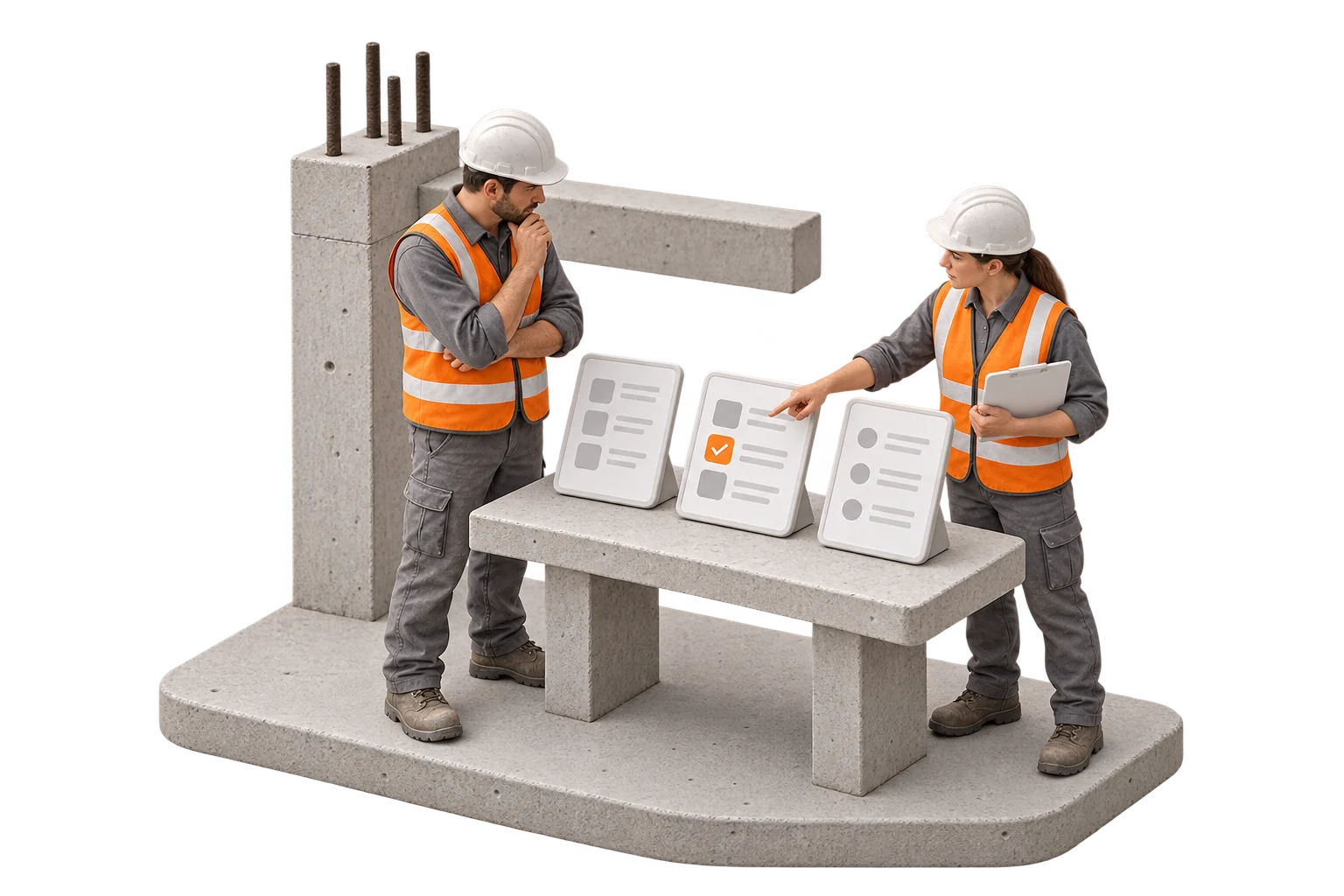
When someone hands over a tag, do old readings stay with the previous wearer? Can a supervisor see that a receiver has gone quiet? Can they distinguish everyone seen during a day from the people seen at one time? Try each with a working crew.
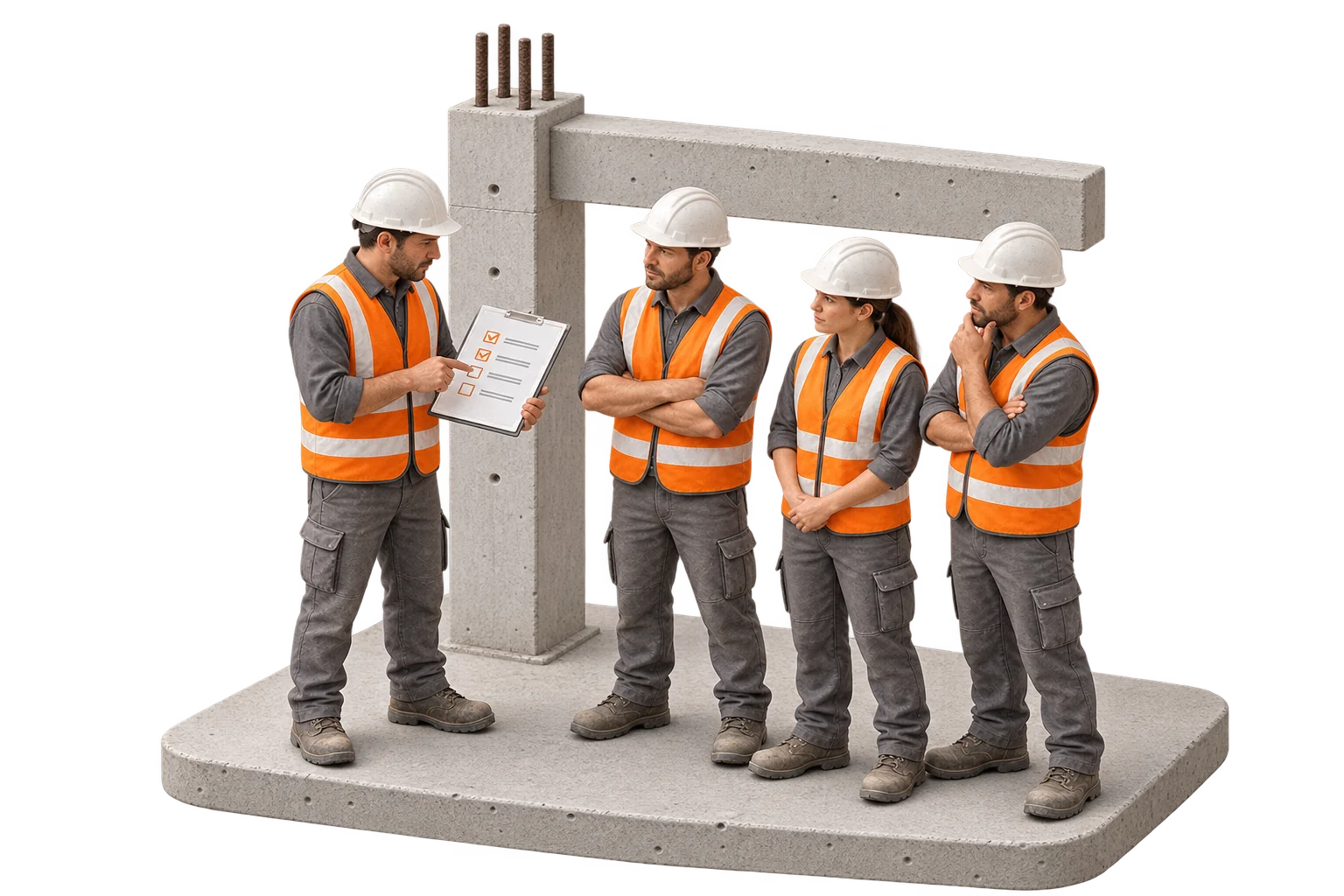
Before signing off, document receiver positions, give the supervisor a short checklist for missing data and make sure they can explain what a single reading means.
Common questions
Does a BLE reading provide GPS coordinates?
A BLE reading records detection by a receiver. The signal alone contains neither a precise position nor map coordinates for the wearer.
Does one tag reading count as a full day on site?
It covers one moment. Verifying attendance over the day and approving hours both require additional checks.