How to record attendance on a construction site
Compare a roll call, QR check-in, gate cards and Bluetooth tags. Each tells a site manager something different about the crews on the roster.

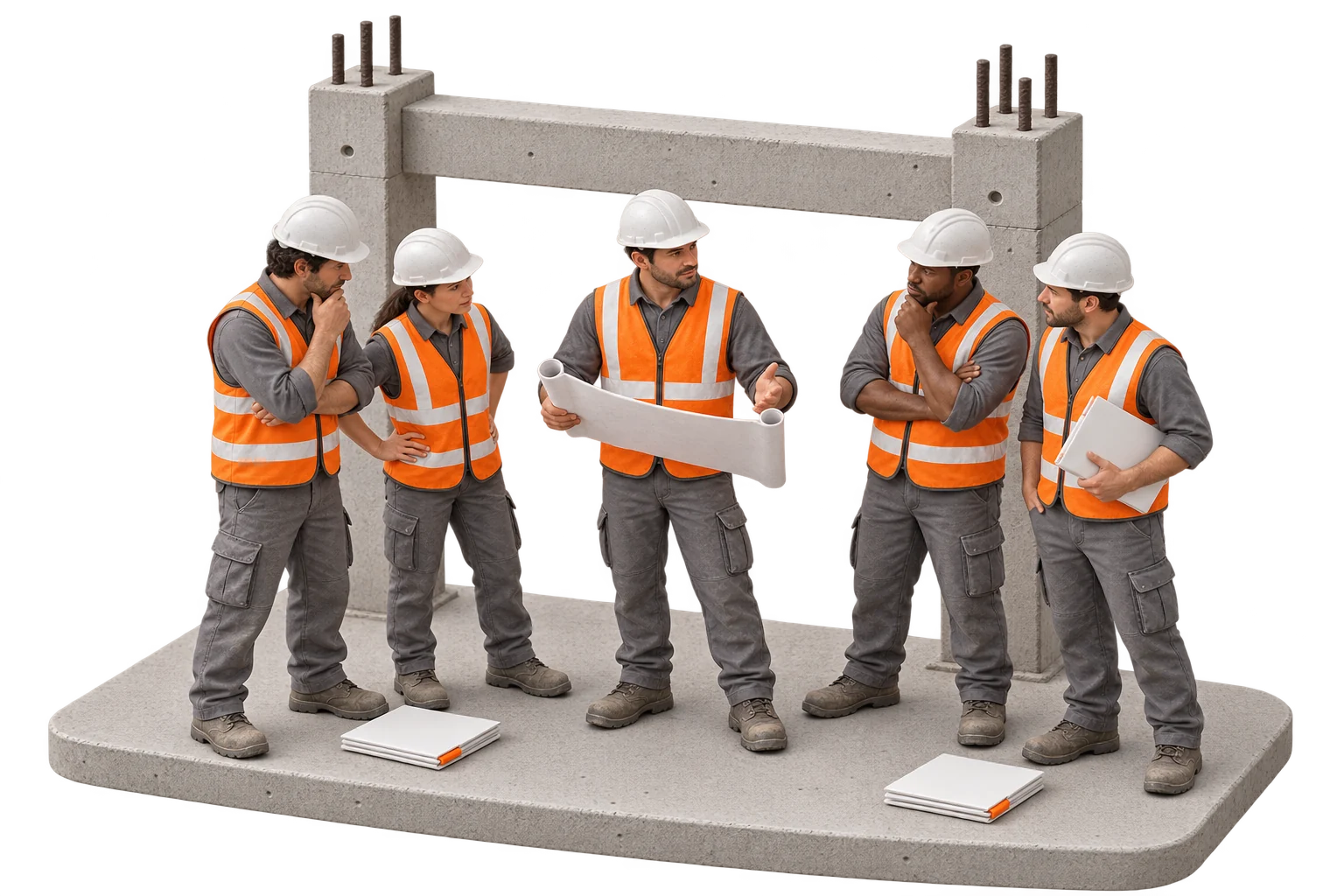
At the morning briefing the foreman's list, the subcontractor's message and the office spreadsheet each give a different headcount. Which crews did they include, and when did someone last check?
Start with the decision you need to make. Planning tomorrow's crew, finding the last reading from a tag and signing off hours for payroll each call for different evidence.
Who will use the record?
A site manager may want to know which subcontractors' crews have reported in today. A receiver log can help answer that. HR needs approved hours at the end of the day, which also requires shift times, breaks, exceptions and sign-off.
Before buying equipment, write down who will enter a record, who can correct it and which decisions will depend on it.
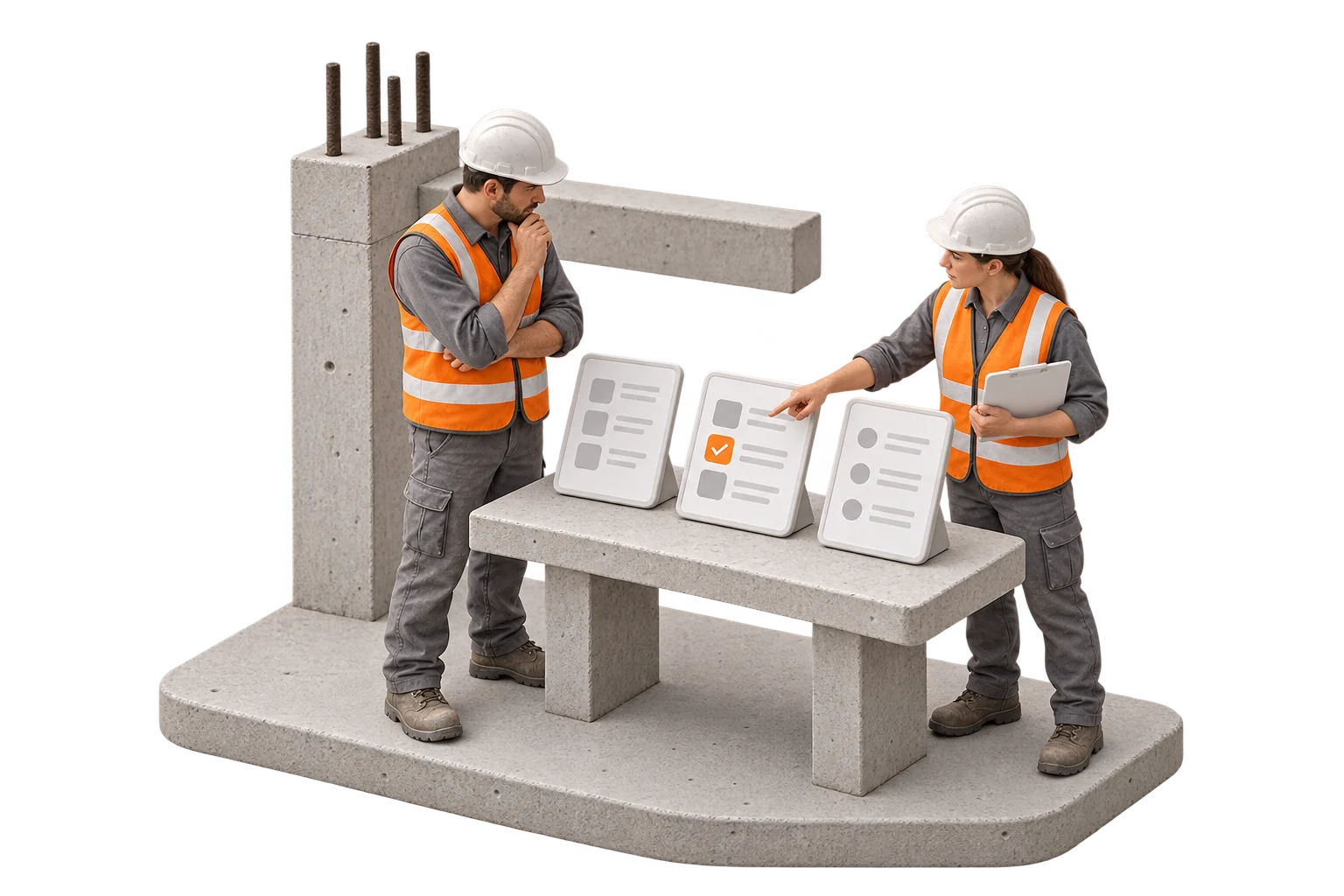
Four ways to record attendance
A single gated entrance is a different proposition from work spread across several floors. Check how crews start their shift and what connectivity is available where they work.
Scroll sideways to see the rest of the table.
| Method | What creates an entry? | What to check |
|---|---|---|
| Paper list or spreadsheet | A supervisor calls the roll and enters the result. | Give someone responsibility for updates and corrections. |
| QR check-in | A worker or supervisor scans a code. | Check who has a phone and how a scan is verified. |
| Access card or turnstile | Someone presents a card at a designated gate. | A gate entry only records that crossing. |
| Bluetooth Low Energy (BLE) | A receiver detects a tag carried by a worker. | Check coverage and receiver status. Hours still need approval. |
Keep the worker, employer and site together
Two workers may share a name. Give each a stable ID and keep the subcontractor and site in separate fields. Date assignments so you can still look up an old entry after someone changes crews.
Date each tag issue and return as well. If the tag goes to someone else on Tuesday, Monday's readings still belong to the person who carried it on Monday.
- Worker ID and crew
- Site and assignment dates
- Time and source of the entry
- Reason for a correction and who reviewed it
What to check during the shift
At the start of the shift, check who joined or left the crew. If readings stop, check the timestamp and receiver before marking anyone absent. Send unresolved entries to the person authorised to review them.
A crew may stop appearing after lunch because the receiver moved upstairs, a phone lost its connection or someone forgot to record a tag handover. Keep the explanation with the final decision.
Try one crew first
Pick one subcontractor and a defined area. Continue the usual roll call during the trial. For each discrepancy, establish what caused it and what the supervisor had to do to resolve it.
Compare setup effort, daily checking time and the entries you still cannot explain. Those costs and gaps will help you decide whether the method will work across the site.
Common questions
Can a site attendance log serve as a timesheet?
A site log identifies people, crews and events. A timesheet also needs rules for counting hours, a way to handle exceptions and someone to approve it.
Does every worker need a phone?
It depends on the method. With a wearable BLE tag, the authorised receiver collects the signal. The worker can leave their phone out of it.